Focus in one switch
Jump from your full Dock to a minimal Dock that only keeps running apps visible.
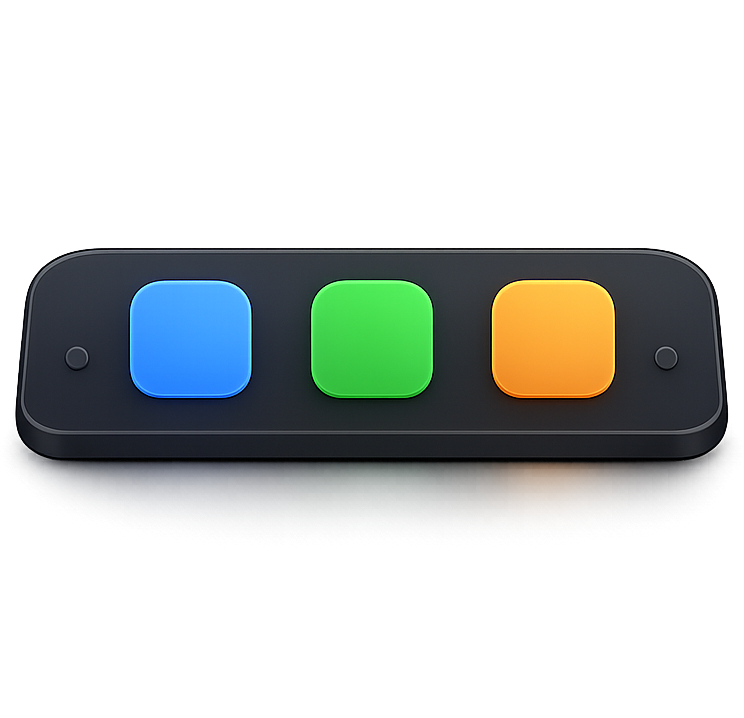 Dock Switcher
Download
Dock Switcher
Download
A calmer Dock for macOS
Your Dock should match what you are doing, not fight for attention. Dock Switcher lets you keep a full workspace, switch to a minimal focus Dock, and bring back the exact layouts you love from a quiet menu-bar extension.


_logo.png)
.png)



Your Dock, tuned for the moment
Dock Switcher turns the settings macOS already has into quick, visual controls. Clean up distraction, shape the Dock around your workflow, and get back to your saved layout whenever you need it.
Jump from your full Dock to a minimal Dock that only keeps running apps visible.
Set position, size, magnification, indicators, recents, spacers, and animation style from one place.
Tune auto-hide, reveal delay, scroll-to-open, spring loading, and grouped windows for how you actually work.
Your Dock is backed up before minimal mode, and defaults are always one reset away.
Unlimited Dock presets
Create as many presets as you need. Each one restores the saved apps, layout, and Dock settings exactly as you left them, so you can keep separate setups for work, focus, home, specific apps, or any repeatable workflow. Work, Focus, and Home are just examples of what you can create.
Full working Dock with Finder first, browser, communication, notes, and Office apps ready.
Download free
A free macOS menu-bar extension that lets your Dock adapt to what you are doing. Keep a full workspace when you need every app, switch to a clean focus Dock when you do not, and bring back your favorite layouts with one click.